
Audio to Text, Even Offline
Scribesmith records speech or transcribes audio and video files into readable text on your Android phone, even without an internet connection. Use it for meetings, classes, interviews, voice memos, and ideas you want to revisit.
Get it on Google Play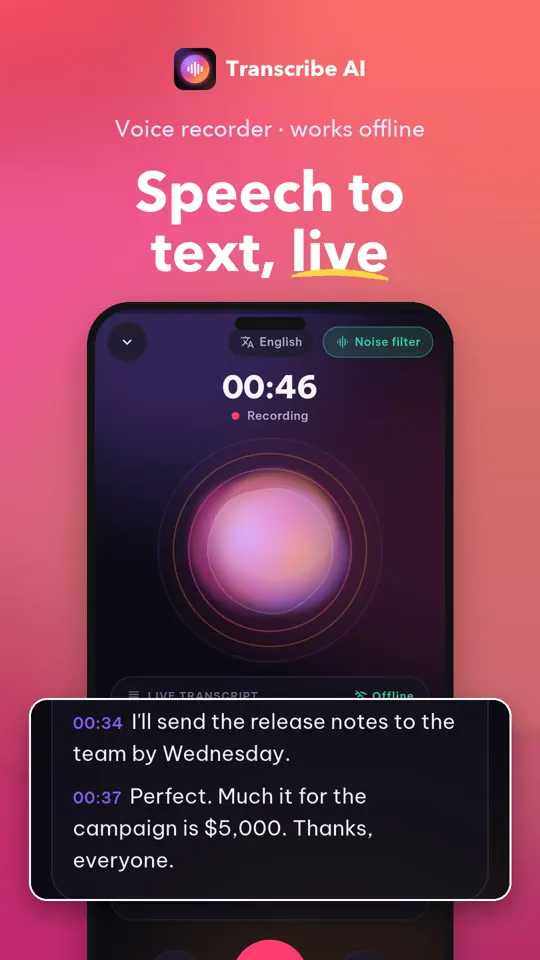
Screenshots
Audio Transcription Features
Record and Transcribe Live
Start recording with one tap and follow live text as you speak. Recording continues in the background, with pause, resume, and notification controls.
Import Audio and Video
Choose files on your phone or open them from another app or the Android share sheet. Transcribe imported recordings offline and read the text alongside playback.
Find Important Moments
Mark moments while recording, then use the waveform player to seek, jump back, and revisit marked sections.
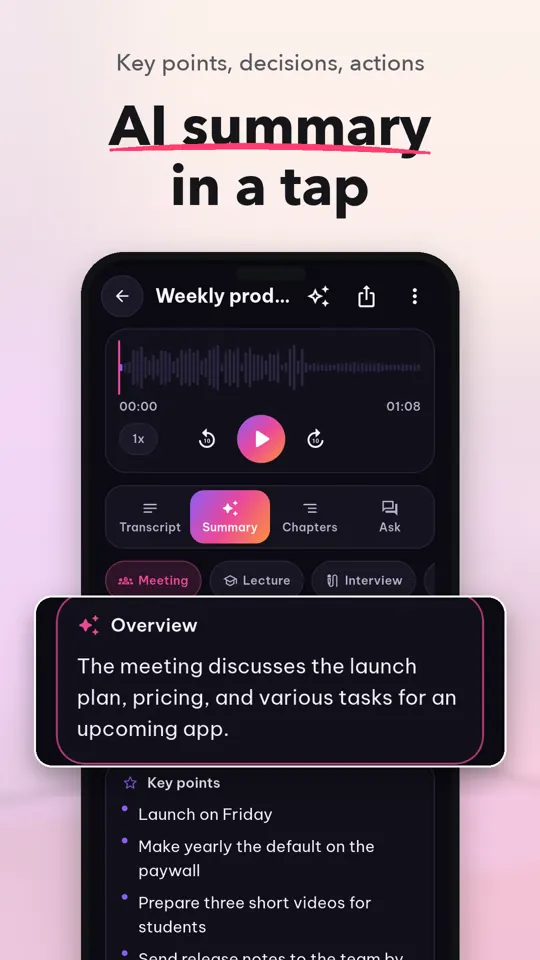
Review with AI Notes
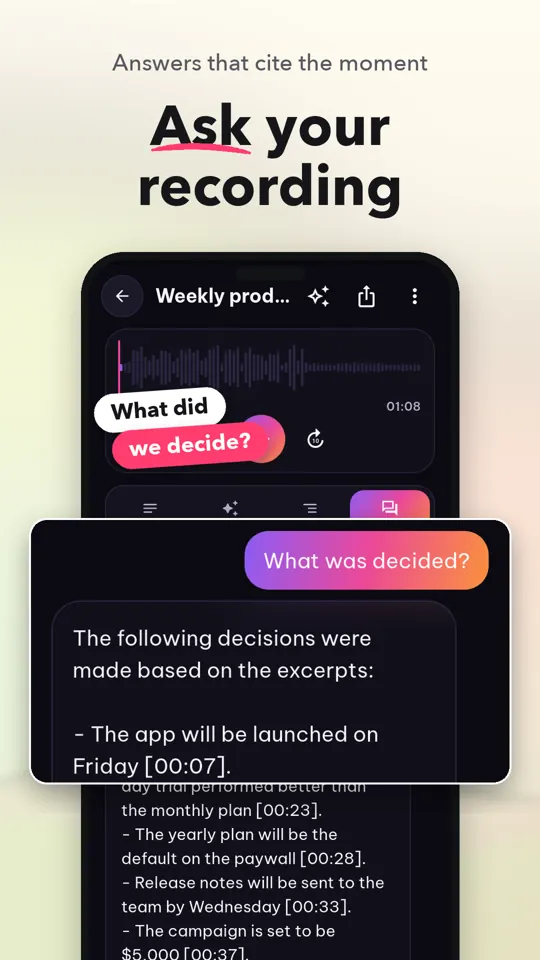
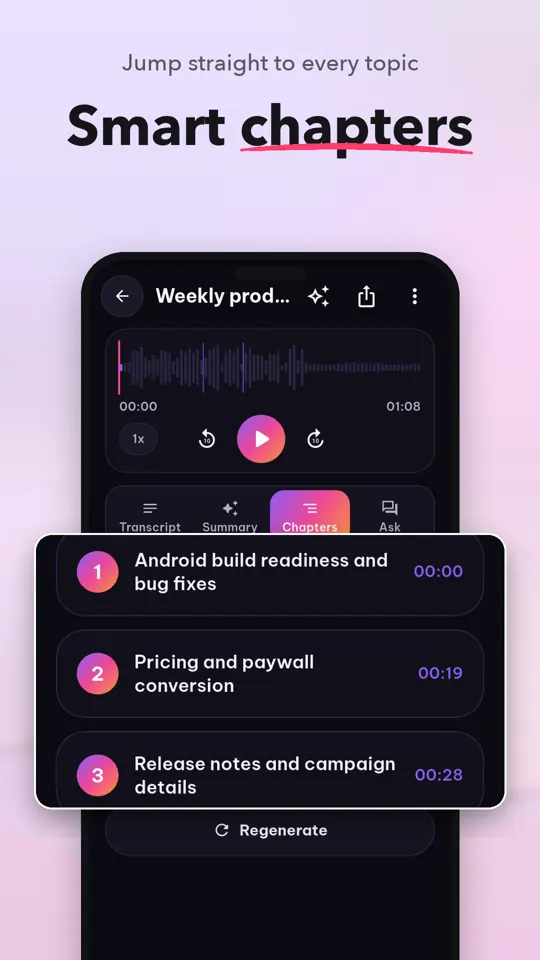
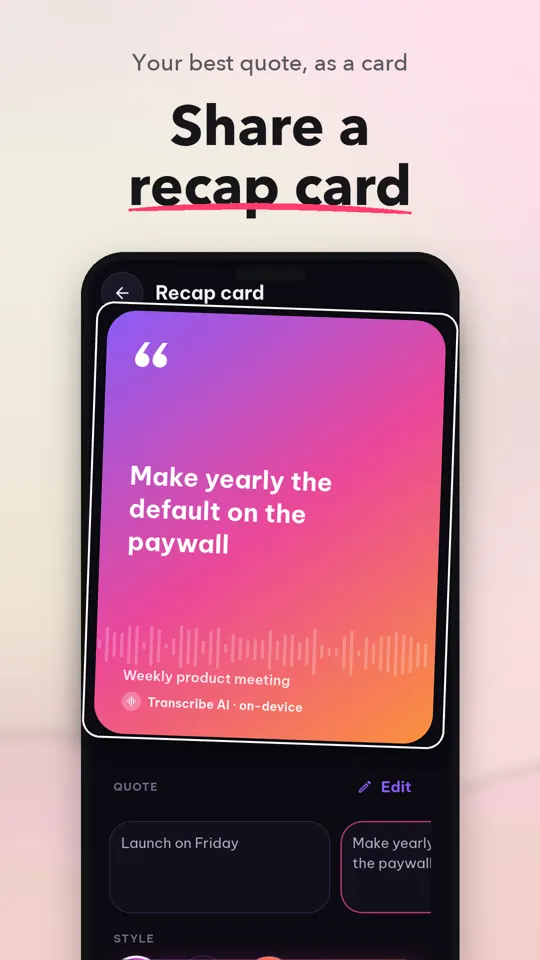
Get an overview, key points, decisions, and action items from a transcript. Smart Chapters and Ask help you find sections and jump to relevant times.
Choose Transcription Accuracy
Use Fast models for everyday transcription or Pro Accurate models for added punctuation. On-device speech recognition supports English, Vietnamese, and additional languages.
Export Readable Transcripts
Share transcripts as TXT or SRT. Pro adds Word, PDF, and Markdown export.
Organize and Search Recordings
Rename recordings and play them back with their transcript. Pro adds folders and full-text search to find words or phrases in your transcripts.
Keep Selected Recordings Private
Pro's encrypted Vault protects selected recordings behind your fingerprint or device PIN. Speech recognition stays on your phone; AI notes send transcript text to the AI service, not audio.
Get Started in Three Steps
Record or Import
Start a recording or choose an audio or video file from your phone.
Read the Transcript
Follow live text or open the completed transcript alongside its audio.
Review and Share
Revisit moments, use available AI notes, and export the transcript.
Who Uses Scribesmith
- Meeting notes and action items
- Lecture and class recordings
- Interview transcripts and playback
- Voice memos and quick ideas
- Work sessions and conversations
- Audio files while traveling offline
Free and Pro Features
Free
- One-tap recording with live transcription
- Offline audio and video imports
- Playback controls, waveform, and moment marks
- TXT and SRT transcript export
- AI summary preview
Pro
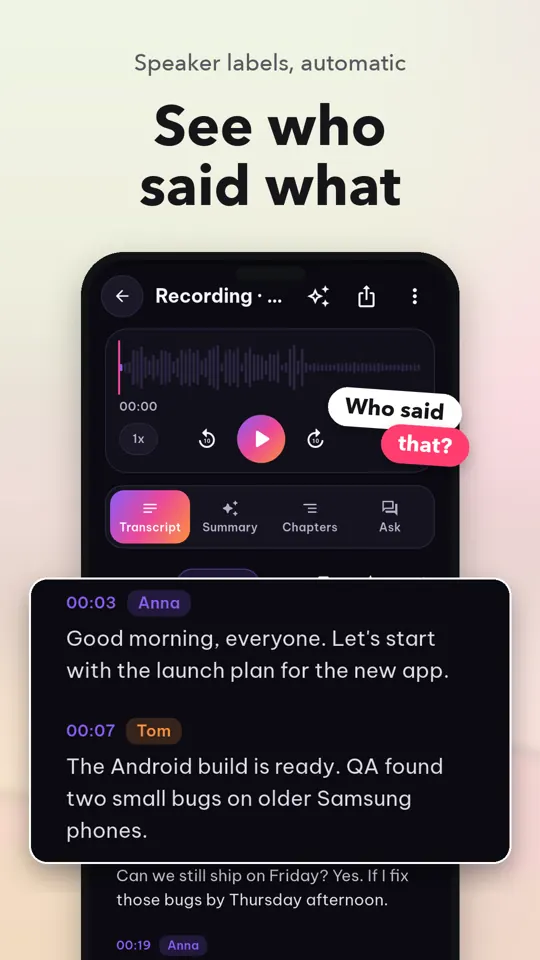
- Accurate transcription models and speaker labels
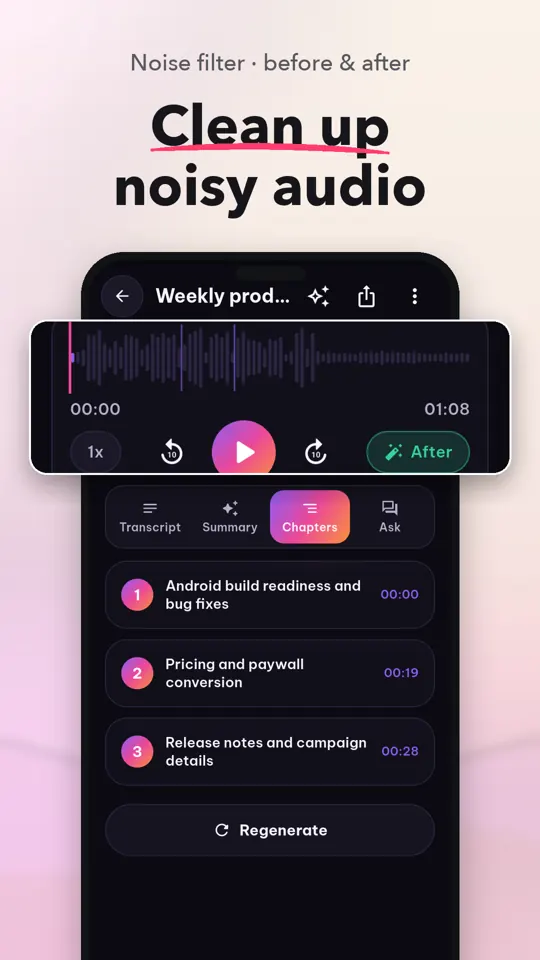
- Studio Clean audio processing on your device
- AI notes access, folders, and transcript search
- Word, PDF, and Markdown export
- Encrypted Vault and batch import
Frequently Asked Questions
Does Scribesmith transcribe audio offline?
Yes. Speech recognition runs on your phone, and imported audio and video can be transcribed with Wi-Fi turned off. AI notes use cloud processing and send transcript text to the AI service.
Is Scribesmith free?
Core tools include recording, live transcription, offline imports, playback controls, and TXT or SRT export. Pro features require Pro access, and some AI features also have an available rewarded option.
Are my recordings private?
Speech recognition runs on your phone, so your audio stays on your device for transcription. AI notes send transcript text to the AI service; the audio stays on your phone. Pro's encrypted Vault can protect selected recordings behind your fingerprint or device PIN.
Which phones can use Scribesmith?
Scribesmith is an Android app available through Google Play. There is no iPhone version listed.
Can I transcribe a video file?
Yes. Import an audio or video file from your device, another app, or the Android share sheet. Read the transcript alongside playback.
How do I export an audio transcript?
Export transcripts as TXT or SRT with the included tools. Pro also adds Word, PDF, and Markdown export.
Guides
How to Convert Audio to Text on Android
Learn Android options for turning speech into text, from keyboard dictation to recording and file transcription, plus practical tips and Scribesmith steps.
How to Record Voice Notes on Android
Learn how to record voice notes on Android with the built-in recorder or an app, plus tips for clear audio, finding files, transcription, and fixes.